Is it safe to use a password manager to keep track of your passwords?

Is it safe to use a password manager to keep track of your passwords?

What is a password manager?

A password manager is an app that remembers your passwords, so you don’t have to. You only need to remember one master password for opening the app to get access to all of your saved passwords.

Most password manager apps also:

  • generate secure passwords (long, random ones that would be hard to remember, and hard to hack)
  • auto-fill them when you need to use them
  • synchronize your data between your desktop computers and mobile devices
  • securely store other information, such as credit cards, passports, addresses, wi-fi passwords, and more)

Some examples of password managers:

What if the password manager gets hacked?

Many people tell me that the reason they don’t use a password manager app is that they worry that it will get hacked and someone will then have access to ALL of their passwords.

That feels like a reasonable fear when you first think about it. But if you look into it a bit more, you’ll see why it’s a good idea to use one.

Trusting a password manager

I look at two sources of information when evaluating the safety of apps like these:

  • The app developer’s security documentation
  • What independent security experts have to say about this issue

How security works — 1Password example

Let’s use 1Password as an example. Here are some useful things to know about how it works, from their documentation.

If you’ve been imagining your master password floating around the Internet somewhere, vulnerable to being hacked, no wonder you’ve been worried. It stays only in your head (or wherever you write it down… and store in your home).

Security experts recommend using a password manager

Here is what security expert, Bruce Schneier says about using password managers in “Choosing Secure Passwords

“Even better is to use random unmemorable alphanumeric passwords (with symbols, if the site will allow them), and a password manager like Password Safe to create and store them”

The Electronic Frontier Foundation recommends the use of a password manager on their page, “Creating Strong Passwords.” They also remind us why using the same password on multiple sites is a very bad practice.

Reusing passwords is an exceptionally bad security practice, because if an attacker gets hold of one password, she will often try using that password on various accounts belonging to the same person. If that person has reused the same password several times, the attacker will be able to access multiple accounts. That means a given password may be only as secure as the least secure service where it’s been used.

Why I like 1Password: convenience and security

I’ve been using 1Password for many years. I use it on my iPhone, iPad, and Macbook Air. I’ve never had a problem with it, and it makes it possible to use long, random, secure passwords that I would never be able to remember without it. It’s great to have all that data with me on my iPhone, whenever I need it (fully encrypted and secure).

Learn to set up and use a password manager (and other useful apps for organizing your life)

In my course, Using Apps to Manage Information and Stay Organized, you’ll get step-by-step help with setting up 1Password, and other apps for managing the information in your personal and professional life. The course includes video demos, handouts, readings, and plenty of chances to ask questions.

With the knowledge from this course, you’ll be able to

  • Synchronize information securely between all your devices (mobile and desktop).
  • Generate secure passwords.
  • Automatically back up your smartphone’s photos.
  • Create to-do lists that are accessible from all your devices.
  • Go paperless if you wish, and make best use of your mobile devices.
  • Understand best practices for security and learn how to decide what levels of security make sense for different types of information.
  • Create your own app guides, offer workshops, and advise your users and colleagues on best practices for managing their information.

Learn more and sign up! (Begins September 5, 2017, and runs for five weeks).

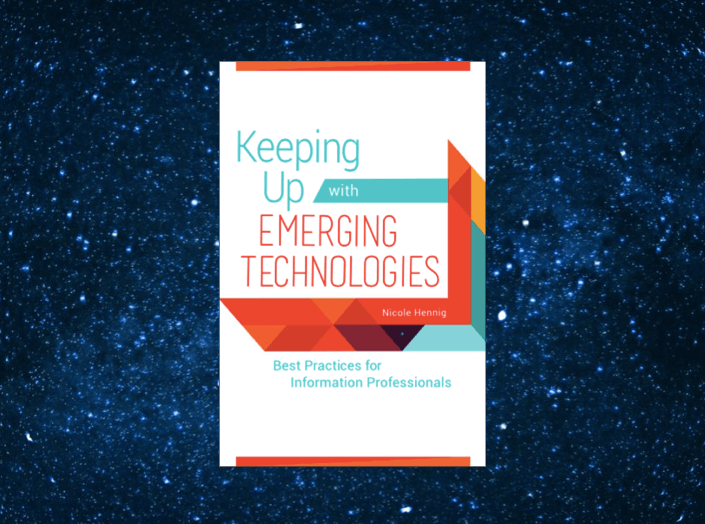
New book: Keeping Up with Emerging Technologies: Best Practices for Information Professionals

New book: Keeping Up with Emerging Technologies: Best Practices for Information Professionals

Learn the best methods for keeping up (no matter what new technology is trending)

There are many books and articles written for librarians about specific emerging technologies, but it’s hard to find a comprehensive resource for the best methods for keeping up and integrating new technologies into library services. So that’s why I’ve written this book.

This handbook covers a wide variety of methods for gathering information about new technologies, evaluating them, setting up experiments to help you match technologies with user needs, and finally how to recommend the use of new technologies in library services. (more…)

Cyber Security and Privacy: July 6 webinar

Cyber Security and Privacy: July 6 webinar

If you read today’s headlines about security breaches, you might be thinking of going back to fax machines and snail mail. Or you might be assuming that privacy is dead and we may as well get used to it (and you have nothing to hide, right?)

While there is no such thing as foolproof security and privacy, there is a middle ground that you can find by understanding and using particular techniques.

Have you ever wondered about the following questions?

  • Is your laptop or smartphone’s traffic being harvested when on public wi-fi?
  • What’s the best thing to do if your device is lost or stolen?
  • (more…)

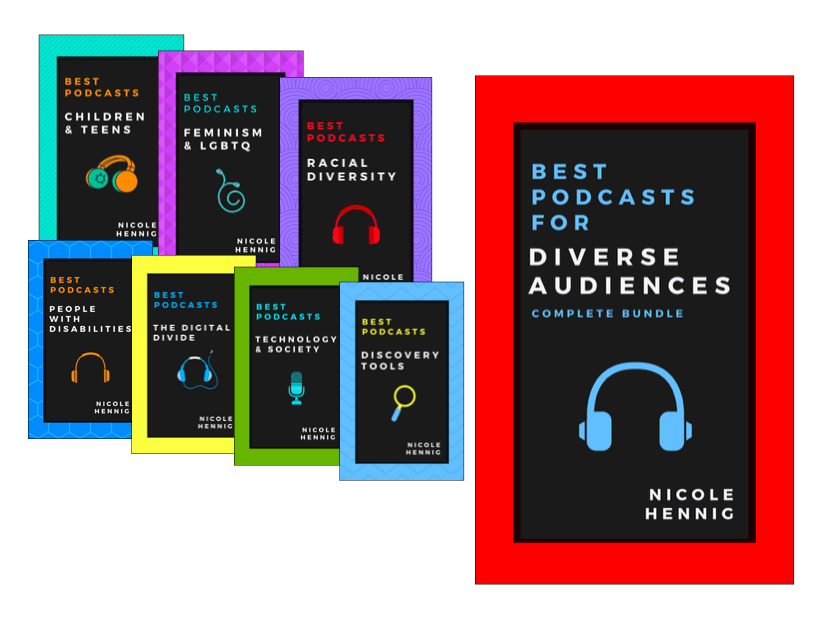
Best Podcasts for Diverse Audiences: ebook set

Best Podcasts for Diverse Audiences: ebook set

Best Podcasts for Diverse Audiences

Do you love podcasts? I do. There are so many new, fun, inspiring, educational, and diverse podcasts that it can be hard to find the best ones! I thoroughly enjoyed creating this ebook set — a guide to some excellent podcasts. You will enjoy adding many of these shows to your list of podcasts to listen to.

You can buy individual ebooks for $2.99 each, or get the whole set for $9.99 on Amazon ($14.99 on other ebook stores).

Best Podcasts

Available April 6 (and you can pre-order now)

They will be available on Amazon, Apple’s iBookstore, and other ebook sellers (EPUB & MOBI).

See the Best Podcasts Table of Contents.

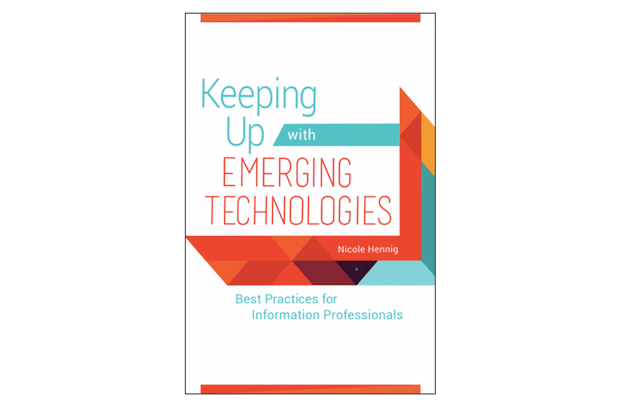
Keeping Up with Emerging Technologies: Best Practices for Information Professionals

Keeping Up with Emerging Technologies: Best Practices for Information Professionals

I’ve just submitted the manuscript for my next book, Keeping Up with Emerging Technologies: Best Practices for Information Professionals. It will be published by Libraries Unlimited in 2017.

Methods, not specific technologies

There are many books and articles written for librarians about specific emerging technologies, but it’s hard to find a comprehensive resource for the best methods for keeping up and integrating new technologies into library services. So that’s why I’ve written this book.

This handbook covers a wide variety of methods for gathering information about new technologies, evaluating them, setting up experiments to help you match technologies with user needs, and finally how to recommend the use of new technologies in library services.

Using new technologies to make a positive difference in the lives of your users

The good news is that it is possible to deal with the information deluge without feeling constantly overwhelmed. In my 14 years working at the MIT Libraries (first as web manager/usability specialist, then as head of the user experience department) I had a chance to try out many different methods and techniques, and to benefit from the ideas of experts outside of our field. In this book I’ve brought together all of the most useful methods (tried and tested), in order to make this information easy to use in your library.

When you have a plan and a set of methods like these, you can design library programs and services that make a strong positive difference in the lives of your users. And you can keep up with the fast changing world of new technologies.

Who is it for?

  • librarians
  • educators
  • educational technology specialists
  • those with “emerging technologies” in their job titles
  • those who manage these positions and need to write job descriptions for them
  • library school students who want to follow this career path
  • those who are designing curriculum for this career choice.

Here’s the Table of Contents:

1. Introduction

  • Why this book?
  • Visionaries and implementers: two roles for this work
  • Challenges for libraries: technology staffing

2. Gathering information: sources and strategies

  • Introduction
  • Skimming and scanning
  • Newsletters, feeds, & groups
  • Multimedia resources: video, audio, and courses
  • Conferences and local events
  • Trend reports
  • Books
  • Popular culture and science fiction
  • Dealing with information overload

3. Gathering information: more strategies

  • Look outside your field or discipline
  • Categories of technologies
  • How far out to look
  • Visionaries and implementers – strategies for each

4. Gathering information: user needs

  • UX: User Experience
  • Types of user research
  • Examples

5. Inclusion, Ethics, and The Digital Divide

  • Following ethical debates
  • Diversity
  • Accessibility
  • The Digital Divide
  • Summary

6. Evaluating – On Your Own

  • Introduction
  • Letting ideas percolate
  • Note-taking
  • Curating information for others
  • Trends vs. fads
  • Summary

7. Evaluating – With Your Team

  • Hands-on play
  • Designing experiments and evaluating the results
  • Developing criteria
  • Project methods: design thinking
  • Project methods: agile, and “the lean startup”
  • Ideation methods
  • Summary

8. Moving Towards Implementation

  • Presenting to and persuading decision-makers
  • Passing on projects to implementers

9. Emerging Technologies Librarians – Defining Job Roles

  • Current job descriptions
  • Defining this type of position for your organization
  • What to do if you are a very small organization
  • Diversity and “performance-based job descriptions”
  • Template for your job description

10. Epilogue

  • Summary and conclusion

11. Resource Guide

  • Bibliography: books, blogs, articles, websites
  • Guide to mobile apps for keeping up with emerging technologies

Please spread the word by sharing this post, thanks!

To be notified when the book is available, sign up for my newsletter.

Mobile Apps News: stay current with mobile apps