by Nicole Hennig | Sep 2, 2014
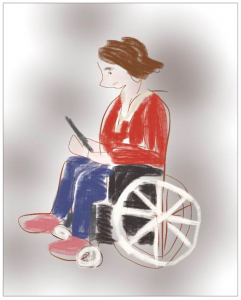
Apple’s iOS has many
useful accessibility features.
(Image by meadowsaffron on Flickr).
When I think of an iPad or iPhone, with its totally smooth screen and beautiful visuals, it’s hard to imagine it working well for a blind person. That’s what I thought until I came across this story:
How the Blind Are Reinventing the iPhone.
It tells the story of using the built-in VoiceOver feature of iOS (it’s a screen-reader), along with an app called Sendero GPS Lookaround for finding your way around town. Apps like these are being created by the blind, for the blind, and improving their lives in interesting ways.
From the article:
“For its fans and advocates in the visually-impaired community, the iPhone has turned out to be one of the most revolutionary developments since the invention of Braille. That the iPhone and its world of apps have transformed the lives of its visually impaired users may seem counter-intuitive — but their impact is striking.”
(more…)
by Nicole Hennig | Aug 14, 2014

Here’s a quick summary of the best articles I saw these past two weeks.
Good press about libraries
Why the Public Library Beats Amazon—for Now:
As E-Book Subscription Services Grow Their Catalogs, the Age-Old Institution Trumps All
This Wall Street Journal author compares subscription ebook services like Oyster, Scribd, and Kindle Unlimited to ebook borrowing services from public libraries. Guess who wins! The libraries — for their more extensive collections of titles.
The Public Library Wants to Be Your Office
Discusses libraries as useful alternatives to paid co-working spaces — more diverse, and often nicer spaces. Also points out the challenges for libraries.
(more…)
by Nicole Hennig | Aug 14, 2014
The move to mobile is empowering for all types of users, from toddlers to the elderly. It’s also great for people with various types of disabilities — which could be anyone at different times in their lives.
(more…)
by Nicole Hennig | Jun 18, 2014

Many universities and libraries offer access to Lynda.com for online training on technical topics. It’s useful for learning how to use specific software, such as Dreamweaver, Adobe Illustrator, or Excel.
I had access to Lynda.com for several years while I was working at MIT and I used it for those types of courses. But recently I was searching for training on iBooks Author and I also found many other interesting courses that are worth looking at. So I thought I would make a list of some of the most interesting and varied courses that you might not be aware of in Lynda.com. (more…)
by Nicole Hennig | Jun 9, 2014
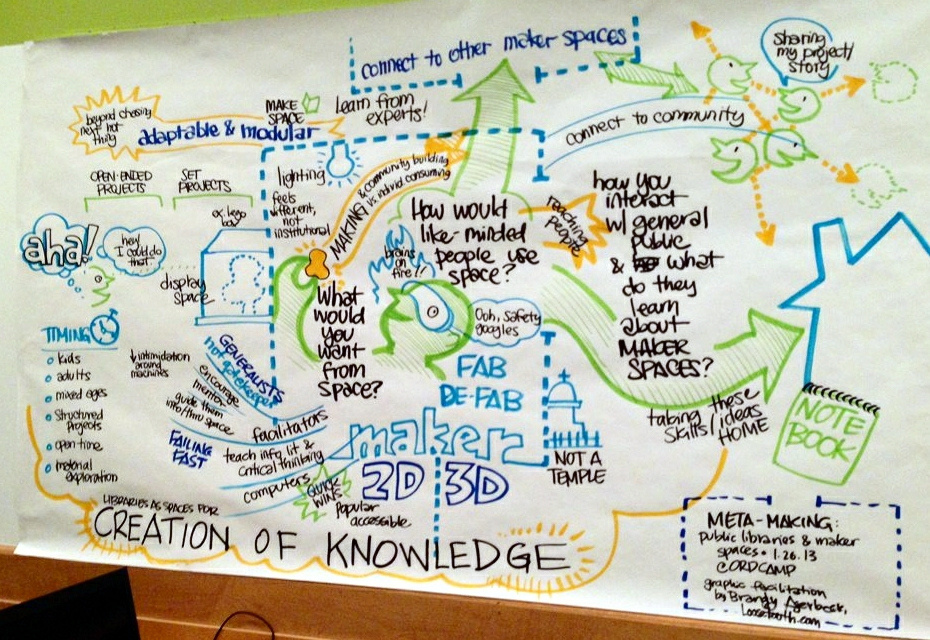
Chicago Public Library makerspace visualization
(Katie Day on Flickr).
p.s. If you liked this post, you might enjoy my newsletter: Mobile Apps News. It’s an easy way to stay current with the world of mobile apps for education.
