Power Searching the Internet: The Librarian’s Quick Guide

Power Searching the Internet: The Librarian’s Quick Guide

Here’s what one reader said about my book, Power Searching the Internet.

This was a fast, practical read that packed a major punch.

It’s immediately useful for something I’ve always thought of as asymmetrical searching – not databases, but search engines and social media, managing Internet tools that react to you and your activity. Our patrons really need this info. Alas, it’s already going out of date – it gives some advice about Google+ (RIP) that is a shadow of things to come. Half of this stuff could be out in a year as Google and Facebook and the rest constantly morph into new, not necessarily better iterations. Meanwhile, though, tools like GScholar have stayed pretty stable.

This is also good foundational knowledge – if you know how it works now, a little change (or, in Twitter’s case, another goddamn overhaul) won’t completely throw you. Well worth $35!

Anna Gooding-Call

Freelance writer and public librarian

I always appreciate when people take the time to review a book of mine! Learn more about the book below.

Table of contents

1. Using Google Effectively

  • Special Features
  • Advanced Search Features
  • Personalization
  • Privacy of Your Google Data
  • Other Privacy Tools

2. Using Other Google Sites Effectively

  • Google News
  • Google Translate
  • Google Books
  • Google Scholar
  • Google Maps

3. Multimedia Searching

  • Google Image Search
  • Finding Images with Licenses That Allow Reuse
  • Reverse Image Search
  • Searching for Videos on Google
  • YouTube Filters
  • Vimeo Search

4. Social Media Searching

  • Twitter Search
  • Facebook as a Search Engine
  • Instagram Search
  • Pinterest Search

5. Finding Old Websites

  • Using the Wayback Machine from Internet Archive
  • Using Google’s Cache

6. Data, Statistics, Comparisons

  • Using Wolfram Alpha

7. Conclusion

  • Things to Remember
  • Resources—Learning More

Become a power searcher

Blockchain Technologies: Implications for Libraries

Blockchain Technologies: Implications for Libraries

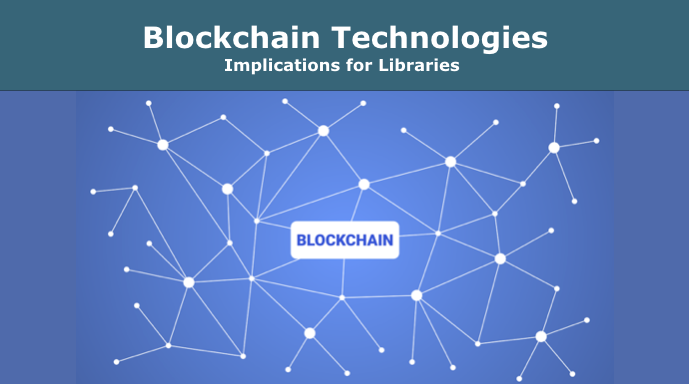
You’ve probably heard about Bitcoin and other cryptocurrencies. These use a technology called a blockchain. In this webinar, you’ll learn about the latest developments with blockchain technologies (beyond currencies) and discuss possible applications for libraries.

90-minute webinar with questions for discussion
1 pre-webinar reading

Contact me to schedule it for your group.

What is Blockchain Technology?

According to Blockchain Explained, from Reuters, “A blockchain is a database that is shared across a peer-to-peer network of computers. Once a record has been added to the chain it is very difficult to change. To ensure all the copies of the database are the same, the network makes constant checks. Blockchains have been used to underpin cyber-currencies like Bitcoin, but many other possible uses are emerging.”

We’ll cover:

  1. What is a blockchain?
  2. How does it work?
  3. Examples of use (online education, charities, voting, legal contracts, provenance, getting around censorship)
  4. Why it matters
  5. Where is it in the Hype Cycle?
  6. Is it likely to be passing fad or an important trend?
  7. Who are some of the key players? (organizations, companies)
  8. What are some ethical concerns?
  9. How might it help individuals?
  10. How might it help people with disabilities?
  11. Can it help bridge the digital divide?
  12. How might libraries use it?
  13. How might we experiment with it in library settings?
  14. Which time frame applies?
    • It’s a bit far off in the future, but good to understand.
    • It’s coming soon, important to learn more now.
    • It’s already here, and worth experimenting with in libraries.
  15. Resources for learning more

Outcomes

  • Become knowledgeable about blockchain technologies.
  • See examples of services and companies powered by blockchain technology.
  • Get inspired to imagine blockchain-based solutions for problems that libraries face.
  • Know the best resources for learning more.

This webinar is part of a series about specific emerging technologies and their implications for libraries by Nicole Hennig, author of Keeping Up with Emerging Technologies: Best Practices for Information Professionals.

Blockchain Technologies

This will be interesting and fun!

What’s your tech personality?

What’s your tech personality?

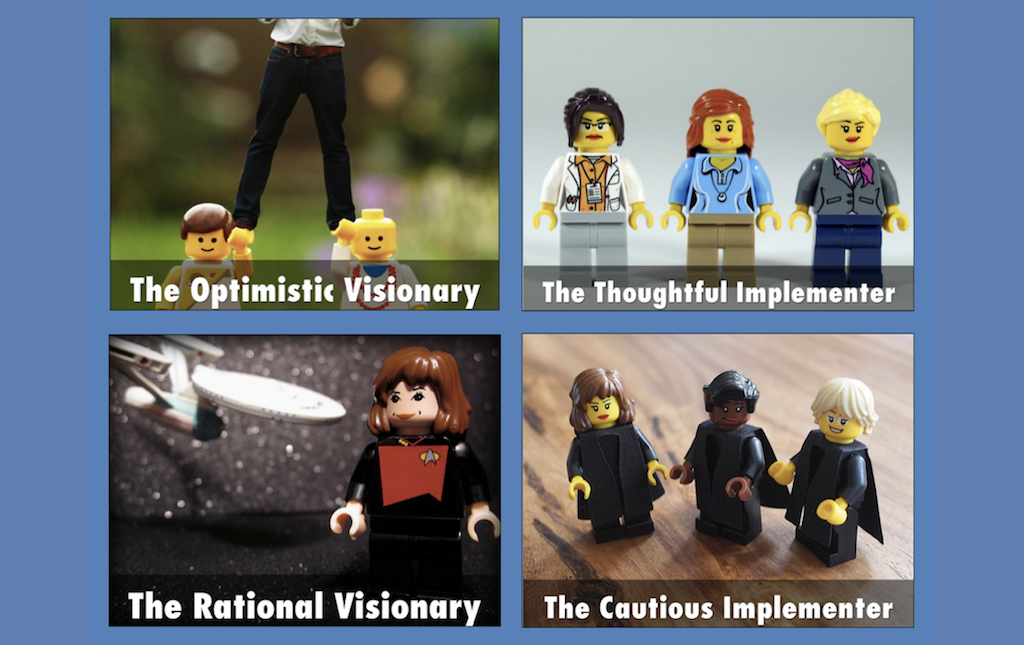
When it comes to new technologies, are you mainly a visionary or an implementer? Find out by taking this quiz. Tell us your results in the comments!

This quiz helps to frame the discussion in the online course, Keeping Up with Emerging Technologies. Learn more and sign up now — the course is filling up fast!

Keeping Up with Emerging Technologies

“Outstanding course filled with excellent ideas, resources, and hands-on practice!”
— Laurel Reinhardt, Technology services librarian, Madison County Public Libraries

4 week course begins Jan. 7, 2019

Voice Computing with Alexa and Google Home – Implications for Libraries: A Webinar

Voice Computing with Alexa and Google Home – Implications for Libraries: A Webinar

90-minute webinar with questions for discussion
1 pre-webinar reading

Contact me to schedule it for your group.

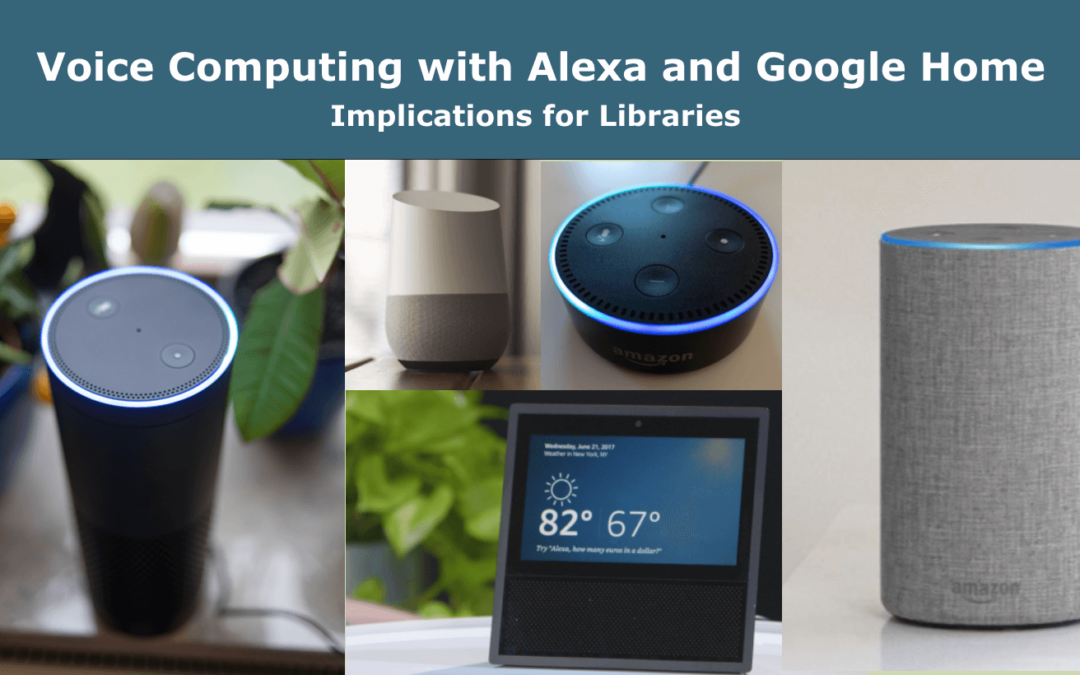
The Amazon Echo, with its “Alexa” voice personality, is one of the most popular smart speakers available. Google has “Google Assistant,” Apple “Siri,” and Microsoft “Cortana.” These voice-controlled systems can do many things, such as play music, audiobooks, radio stations, podcasts, answer factual questions, tell stories, and control devices in your home. This technology is improving quickly and is now available in more locations, like the workplace and your car.

These voice-controlled products enable better access for people with vision problems, mobility problems, and situations where hands-free computing is useful.

Public, school, and academic libraries are experimenting with voice computing technologies by offering smart speakers for borrowing, creating “Alexa skills” about library programs, hosting workshops about smart speakers, and more.


We’ll cover

1. What is voice computing?

2. How does it work?

3. Examples of use

4. Why it matters

5. Where is it in the Hype Cycle?

6. Is it likely to be a passing fad or an important trend?

7. Who are some of the key players? (organizations, companies)

8. What are some ethical concerns?

9. How might it help individuals?

10. How might it help people with disabilities?

11. Can it help bridge the digital divide?

12. How are libraries currently using voice computing and how might they use it in the future?

13. How might we experiment with it in library settings?

14. Which time frame applies?
– It’s a bit far off in the future, but good to understand.
– It’s coming soon, important to learn more now.
– It’s already here, and worth experimenting with in libraries.

15. Resources for learning more


Outcomes

  • Become familiar with the basics of voice computing platforms.
  • Understand why voice computing is positioned to become an important paradigm change for more user-friendly and accessible computing.
  • Get inspired to experiment with voice computing in library services and events.
  • Continue your learning with a bibliography of best sources for learning more.


See also my book, Siri, Alexa, and Other Digital Assistants: The Librarian’s Quick Guide, published by Libraries Unlimited.

Siri, Alexa, and Other Digital Assistants: The Librarian's Quick Guide

This webinar is part of a series about specific emerging technologies and their implications for libraries by Nicole Hennig, author of Keeping Up with Emerging Technologies: Best Practices for Information Professionals.

Voice Computing -- Implications for Libraries

This will be interesting and fun!

New Book: Siri, Alexa, and Other Digital Assistants: The Librarian’s Quick Guide

New Book: Siri, Alexa, and Other Digital Assistants: The Librarian’s Quick Guide

Are you curious about Alexa, Google Assistant, Siri, and other types of voice computing?

If you have an Amazon Echo, Google Home, or Apple HomePod you might think that these are only for home use. But actually, libraries are experimenting with ways to use voice computing (by creating skills, loaning smart speakers, offering workshops, and more).

  • Understand the basics of this technology.
  • Learn how libraries are experimenting with voice computing.
  • Get inspired to experiment in your library.

My new book is now available!

Siri, Alexa, and Other Digital Assistants: The Librarian’s Quick Guide
Table of Contents

1. What is Voice-First Computing?

  • Introduction
  • Definitions
  • Platforms Overview
    – Voice Assistants on Other Devices
  • Typical Tasks
  • Third-Pary Skills
  • Statistics
  • Advantages of Voice Computing

2. Hardware and Skills

  • Hardware
    – Smart Speakers
    – Smart Home Devices
    – TV Devices
    – Home Robots
    – Voice Computing in Cars
    – Hearables
  • Comparing Platforms
  • Creating Skills
    – Alexa Skill Development
    – Google Action Development
    – Is It Possible to Monetize a Skill?
    – Creating Skills for Libraries

3. Real-World Uses

  • Hands-Free Situations
  • Workplace Uses
  • Benefits for the Elderly
  • Benefits for People with Disabilities
    – Uses for the Blind and Vision Impaired
    – Voice Control Helps People with Mobility Impairments
    – What about People with Speech Impairments?
  • Use in Libraries
    – School Libraries and Classrooms
    – Public Libraries
    – Academic Libraries

4. Privacy and Ethical Concerns

  • The Privacy of Your Voice Data
    – How to Control Your Voice Data
    – Block Incoming Voice Calls
    – Disable Voice Purchases
    – Privacy Recommendations for Design of Voice Interfaces
  • Children and Voice Assistants
    – Ethical Concerns
    – Recognizing the Speech of Young Children
    – Voice Computing for Children Is Here to Stay
  • Sexism in Voice Computing
  • What Librarians Need to Know

5. The Future of Voice Computing

  • A Primary Way of Using Computers
  • Advances in Speech Recognition and Natural Language Processing
  • Possible Uses in Libraries

Notes
Resources
Index

Get the book, and let me know what you think! Is your library experimenting with voice computing?

Siri, Alexa, and Other Digital Assistants

The Librarian’s Quick Guide